


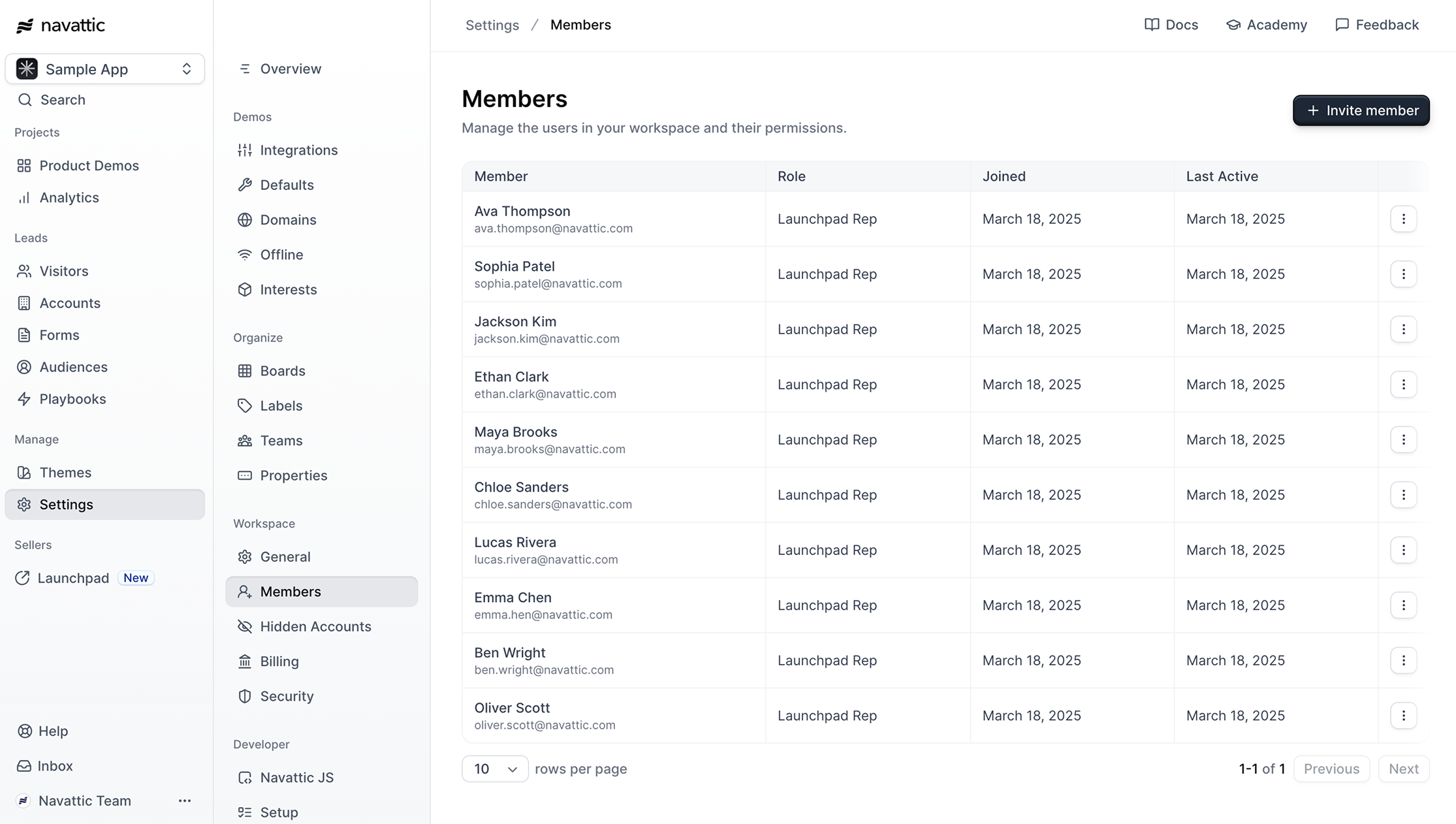
Invite sales team members
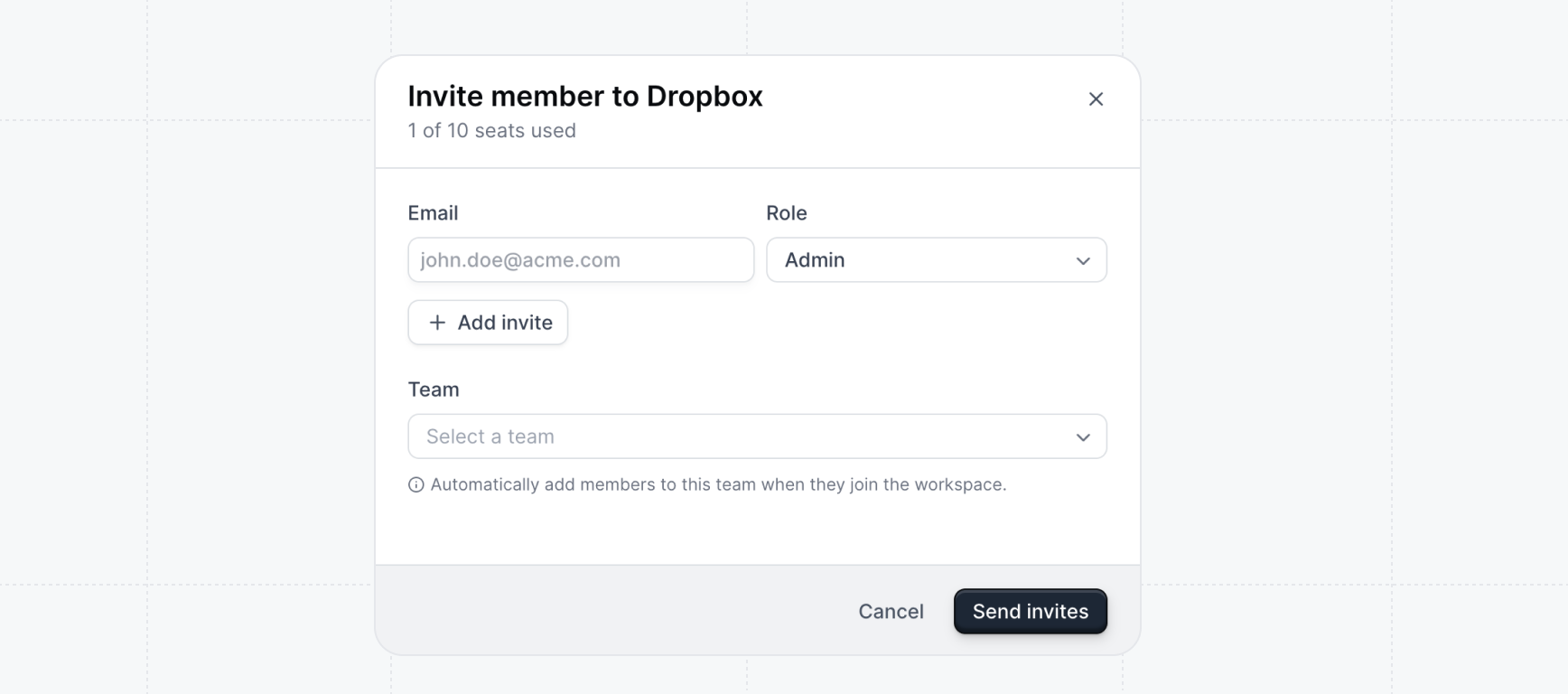
Invite sales reps to your previously created sales team(s) and give them theLaunchpad Rep role. This will only give them access to Launchpad, a streamlined experience that will only give them access to the tools they need to share demos and action on engagement.
You can also bulk invite users or resend pending invitations by clicking the dropdown arrow next to the Invite member button.
- Check out the guides on use cases for tips on when to share demos and sending great sales messaging depending on the stage of the sales cycle.
- Get in the habit of sharing demos as a part of the regular routine of communicating with prospects. Sending interactive demos throughout the sales cycle can be a new paradigm for reps and there will be a learning curve - but it’s worth it! See Monitoring Activity for some target benchmarks to strive for on development and closing teams.
- Share feedback about the content of the demos and how prospects are responding to them. Use this feedback to double down on what’s working and refine your demos.
Setting up Directory Sync
Rolling out Launchpad to larger Sales teams? Use directory sync to automate the provisioning and deprovisioning of users.Directory Sync
Automatically provision users and configure their roles using your organization’s identity
provider, such as Okta.